Fixing 'Login Failed: Invalid Username or Password' in MikroTik Hotspot
This message does not identify one definite cause. Check credentials, account status, and usage limits, then read HotSpot logs. If the account is correct, inspect the login method and router clock.
Applies to: Mikhmon V3 · Mikhmon Pro
- Category
- Troubleshooting
- Read time
- 2 min
- Published
- Updated
- Language
- English
Step-by-Step Guidance
- 1Inspect Winbox > IP > Hotspot > Users to confirm whether the user record still exists or was removed upon validity expiration.
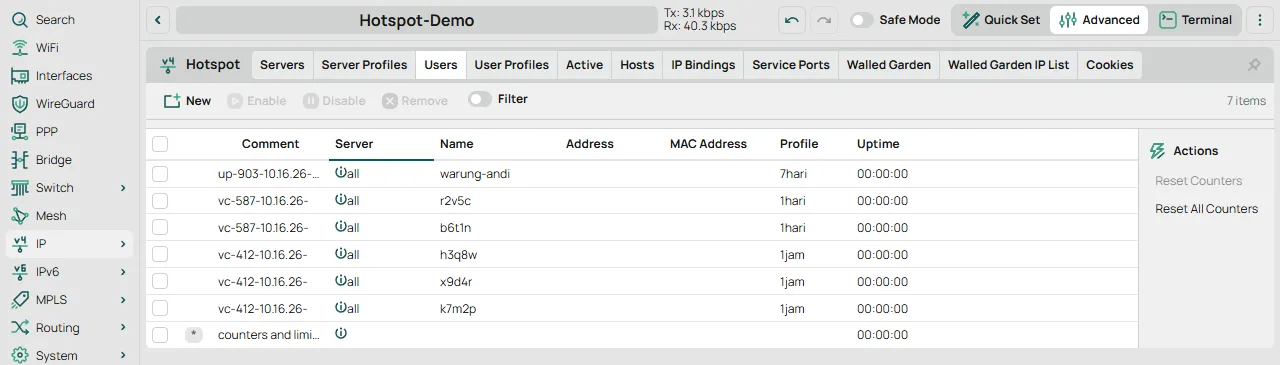
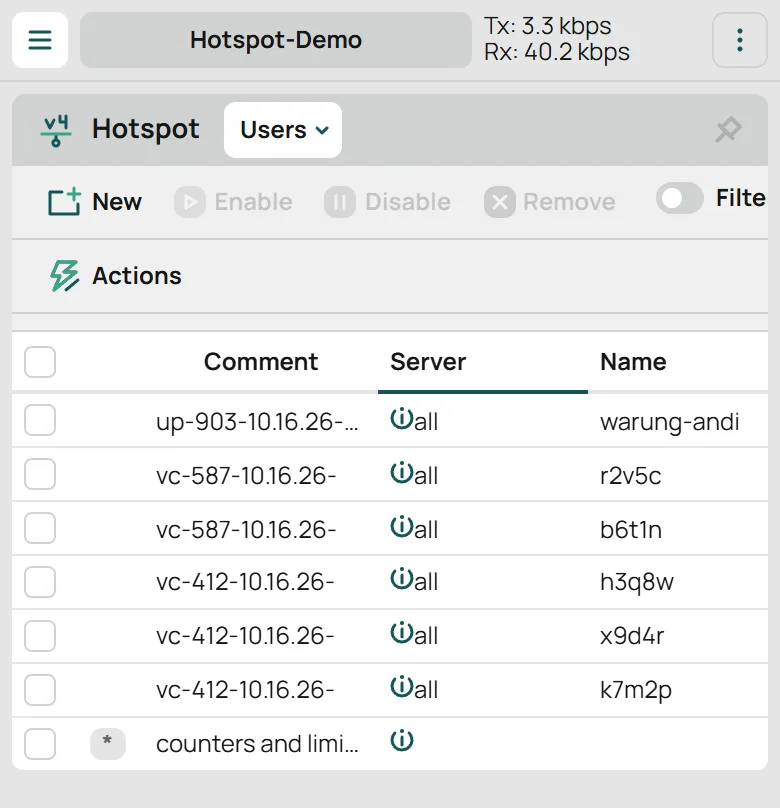
IP > Hotspot > Users - 2Verify character casing; RouterOS hotspot authentication is strictly case-sensitive ('user42' differs from 'User42').
- 3Review script triggers under IP > Hotspot > User Profiles (on-login / on-logout) to ensure cleanup logic didn't abort prematurely.
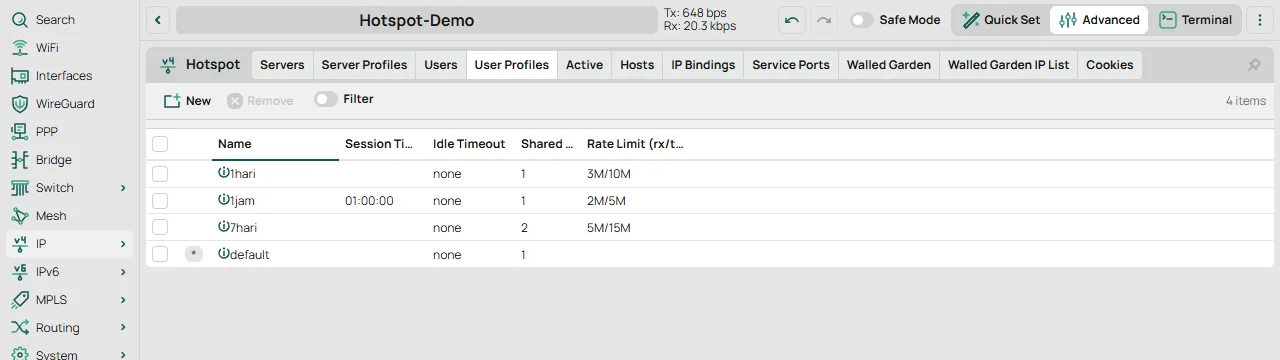
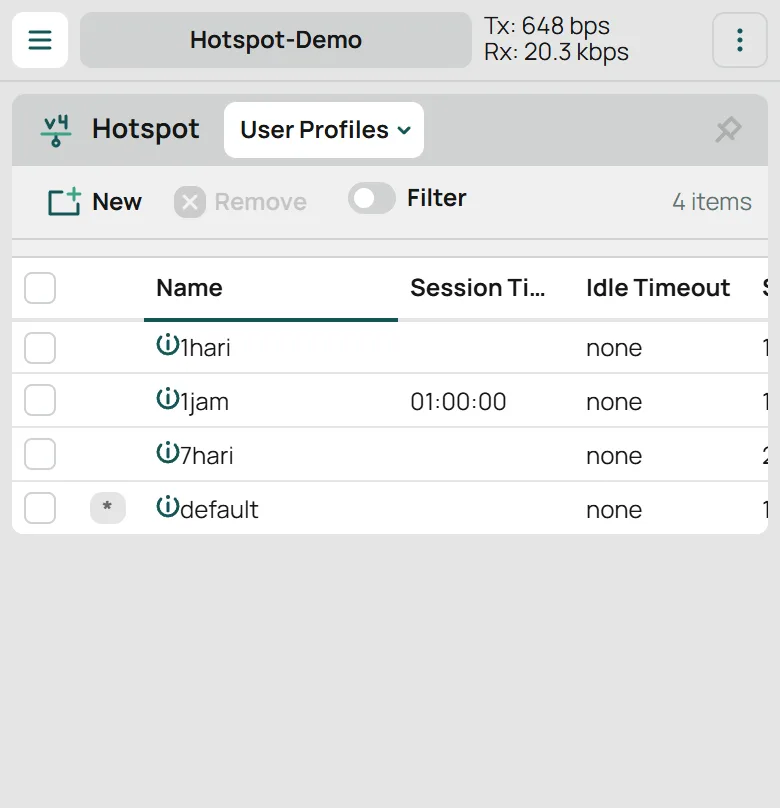
IP > Hotspot > User Profiles - 4Check the RouterOS system log topic 'hotspot,debug' to inspect the exact authorization rejection reason.
Start with one account and the log at the time of failure
Replace VOUCHER_NAME with the affected account. Inspect disabled, profile, limit-uptime, uptime, and quota. Do not delete every user or cookie to investigate one customer.
Attempt one login and match the failure time to the log. Missing users, incorrect passwords, and exhausted limits need different fixes.
/ip hotspot user print detail where name="VOUCHER_NAME"
/ip hotspot active print
/log print where topics~"hotspot"
If credentials are correct, check the login page and cookies
Inspect Login By under IP > Hotspot > Server Profiles. A custom login page must support the enabled authentication method. HTTP-CHAP needs challenge handling; a plain password submission can fail.
Try the default login page in a test environment to separate template problems from account problems. Do not enable PAP merely to suppress an error without considering connection protection.
If a device automatically uses an old account, match its Active and Cookies records. Disconnect only the affected session after explaining the effect to the customer.
A new voucher expires immediately
Check System > Clock and NTP after a power outage or reboot. Compare router time, voucher comments, and the profile’s validity rules before issuing replacements.
Correcting the clock does not restore an account already deleted by a script. Record the incident and identify the cause before replacing accounts.