How to Connect Mikhmon to MikroTik over VPN and API
For hosted Mikhmon, establish the router’s VPN remote connection first and use its VPN address for the API. Restrict the API to approved sources and use a dedicated RouterOS account.
Applies to: Mikhmon V3 · Mikhmon Pro
- Category
- Setup
- Read time
- 3 min
- Published
- Updated
- Language
- English
Step-by-Step Guidance
- 1Provision VPN remote using your provider’s instructions. Confirm the tunnel is running under PPP > Interfaces or the menu for your VPN.
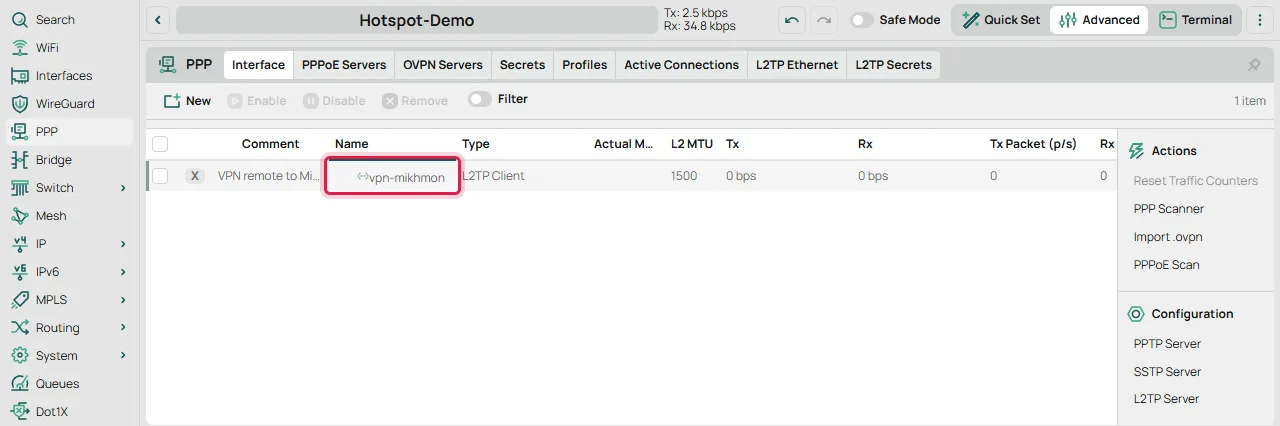
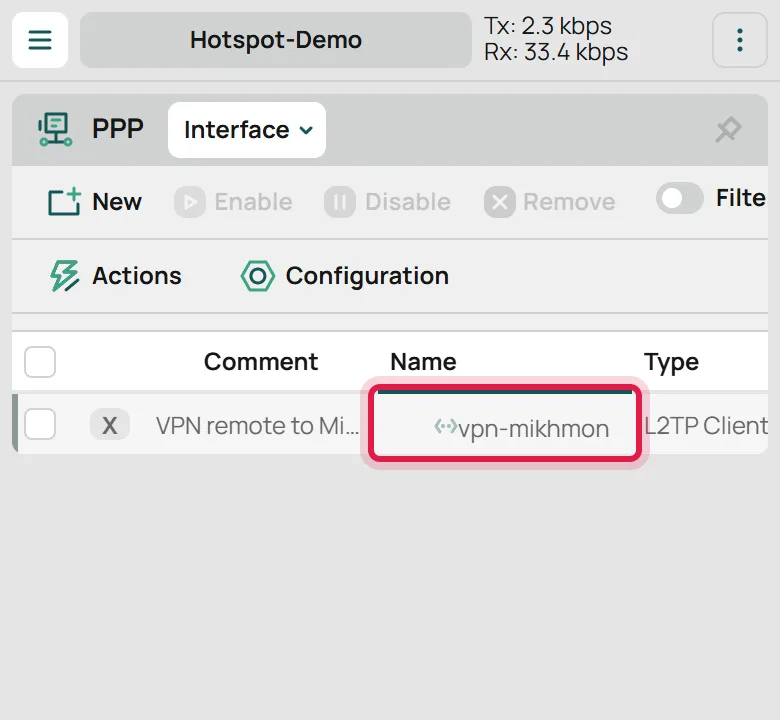
PPP > Interface - 2Under System > Users > Groups, prepare a dedicated Mikhmon group with permissions appropriate to the features you use. Do not select full just to make a connection work.
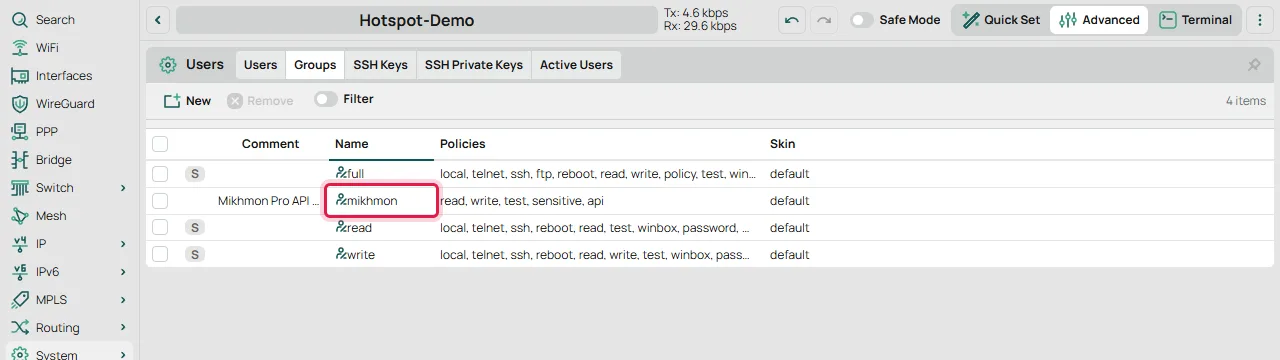
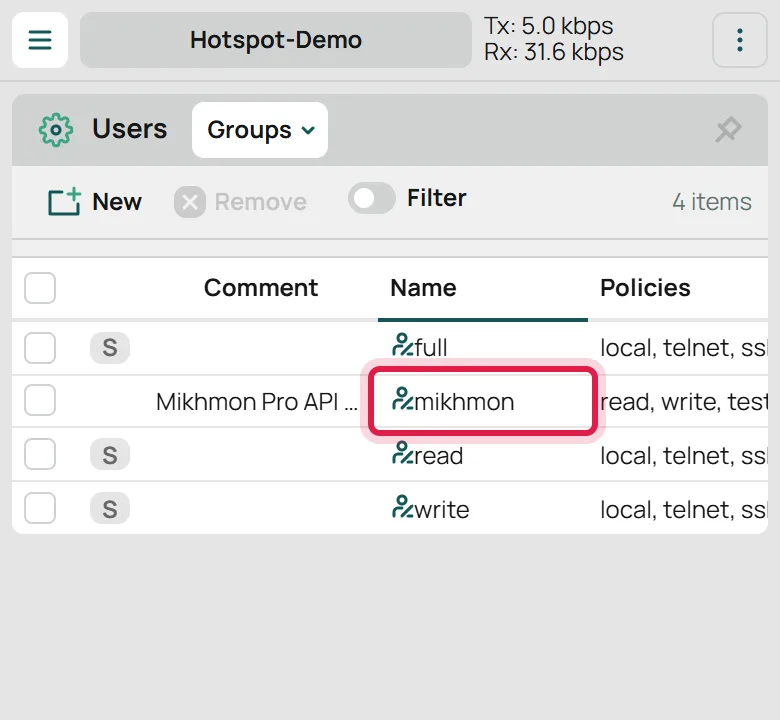
System > Users > Groups 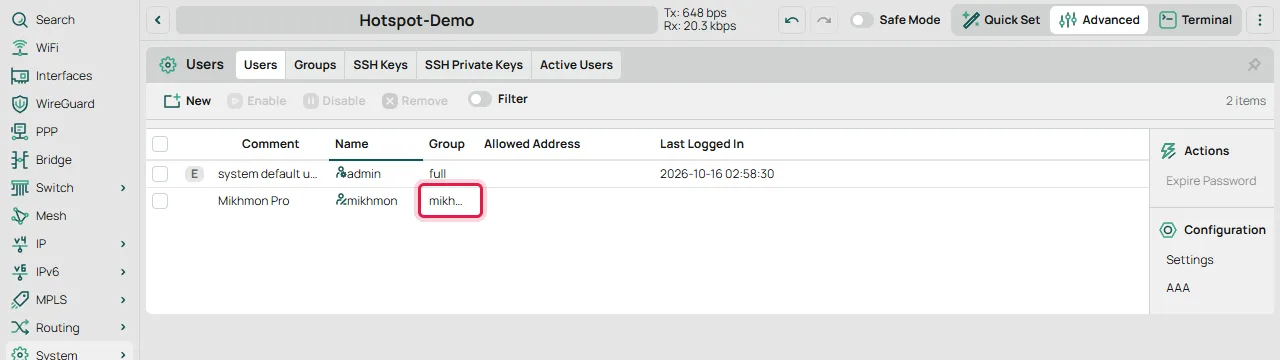
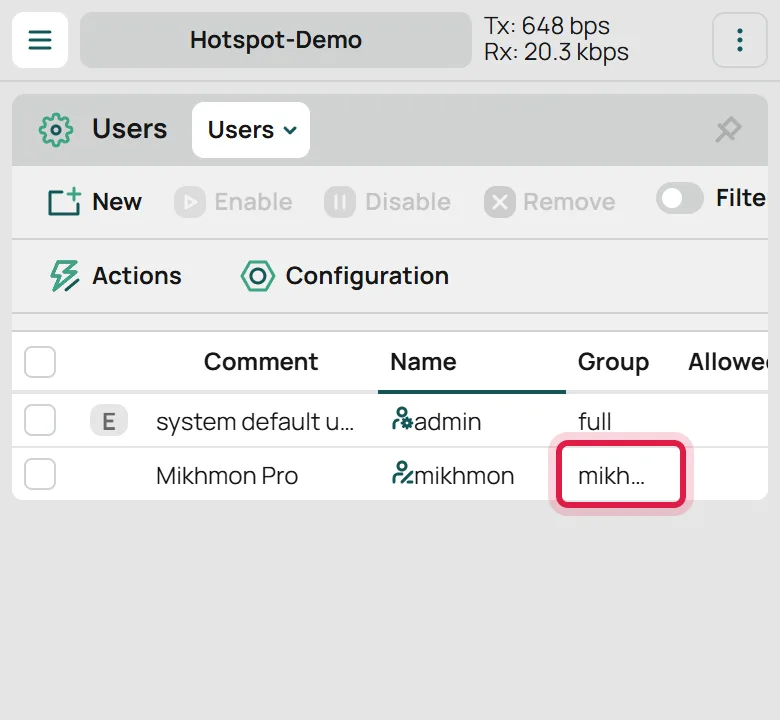
System > Users - 3Under IP > Services, check api, its port, and Available From. Allow the Mikhmon server’s VPN source address, then enter the router’s VPN address and dedicated account in Add Router.
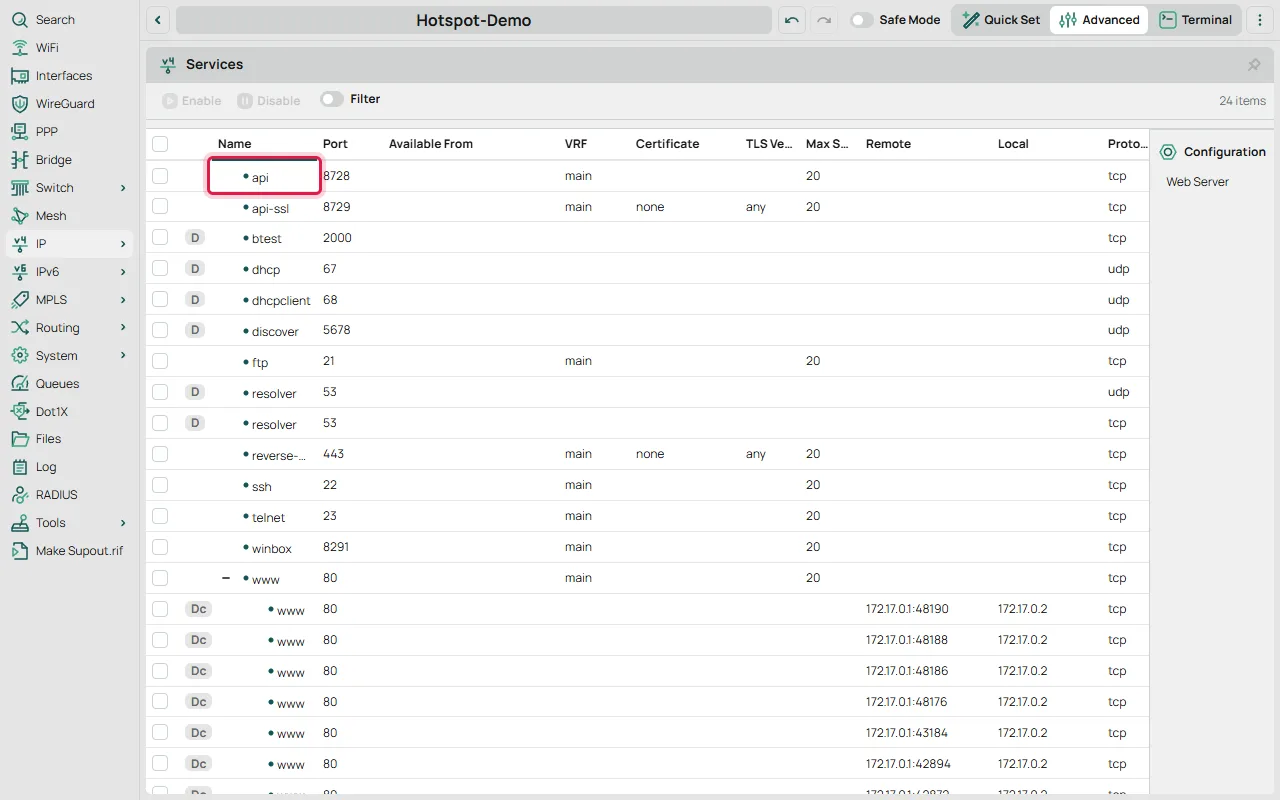
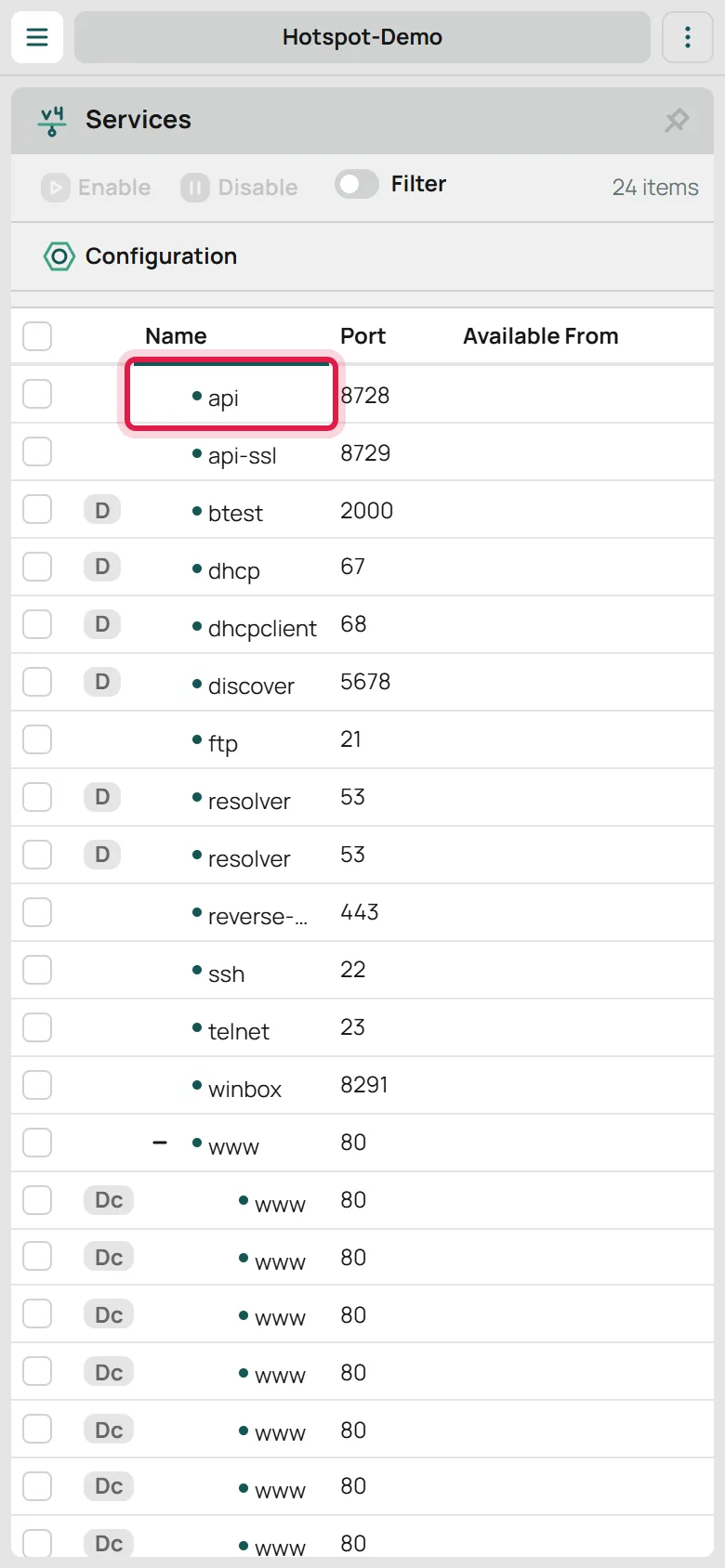
IP > Services 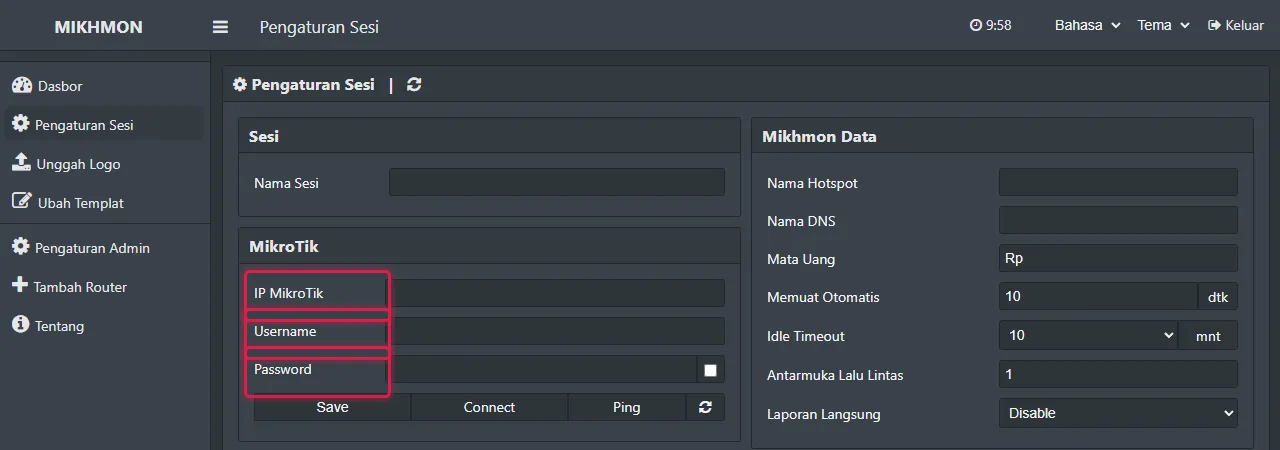
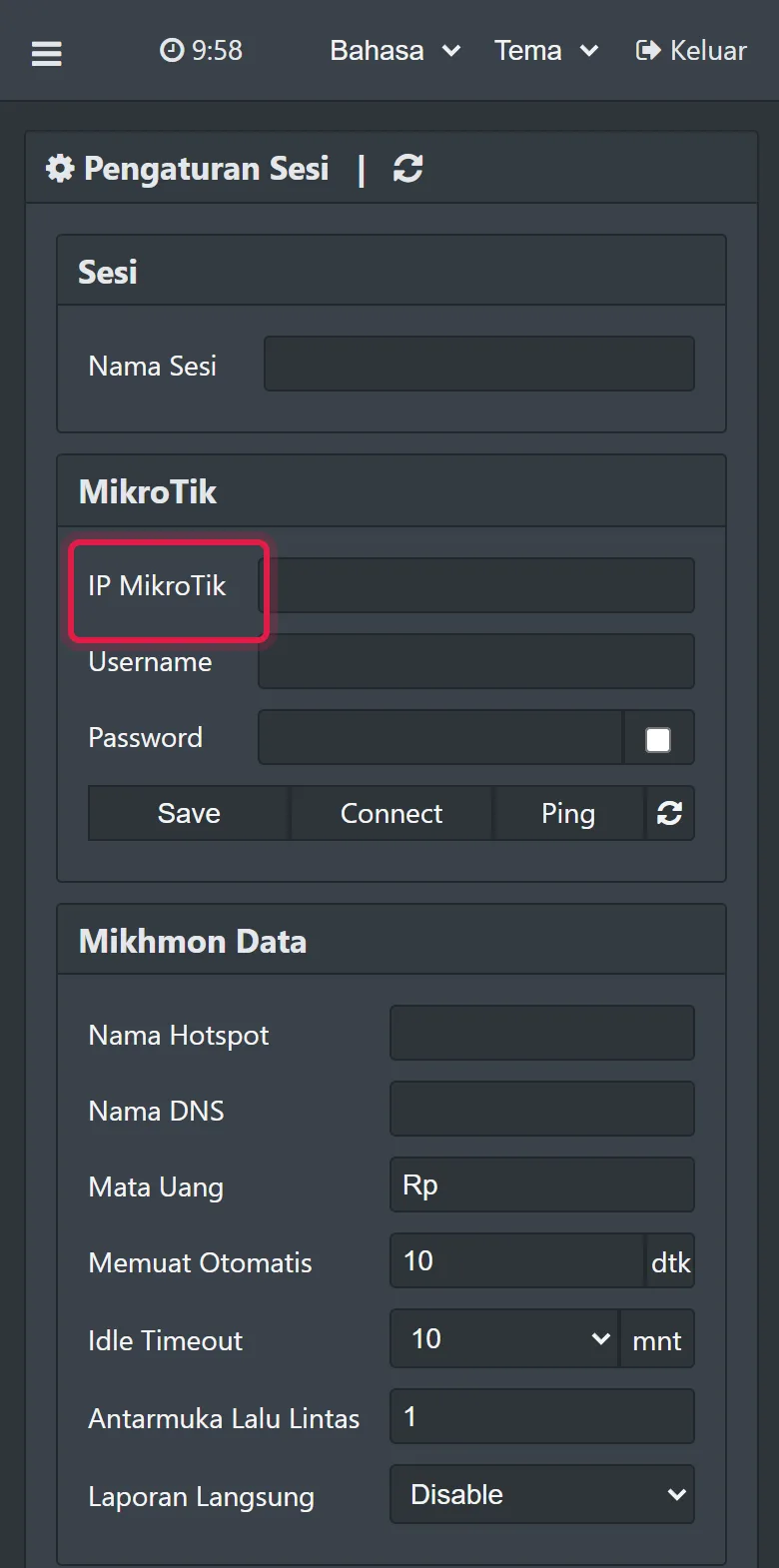
Add router - 4Save the session under a clear location name, open the dashboard, and verify the router identity before generating vouchers.
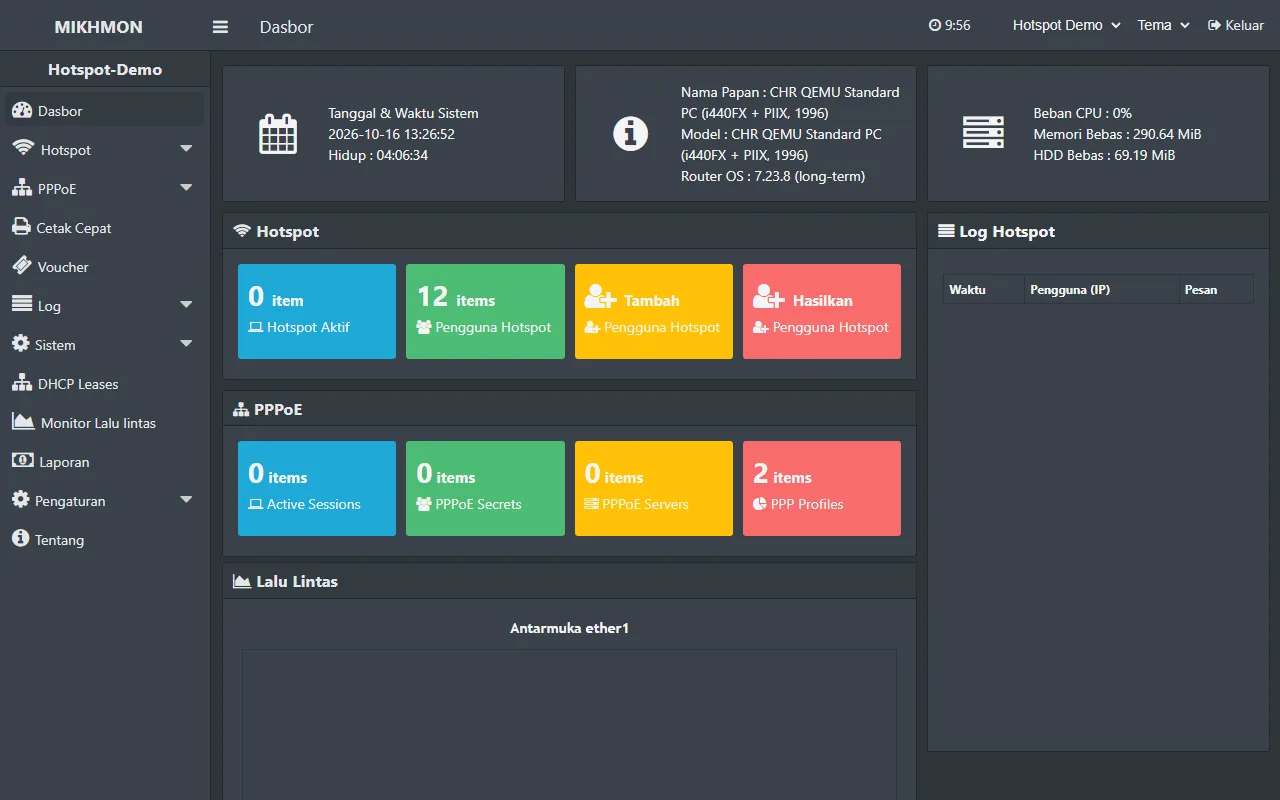
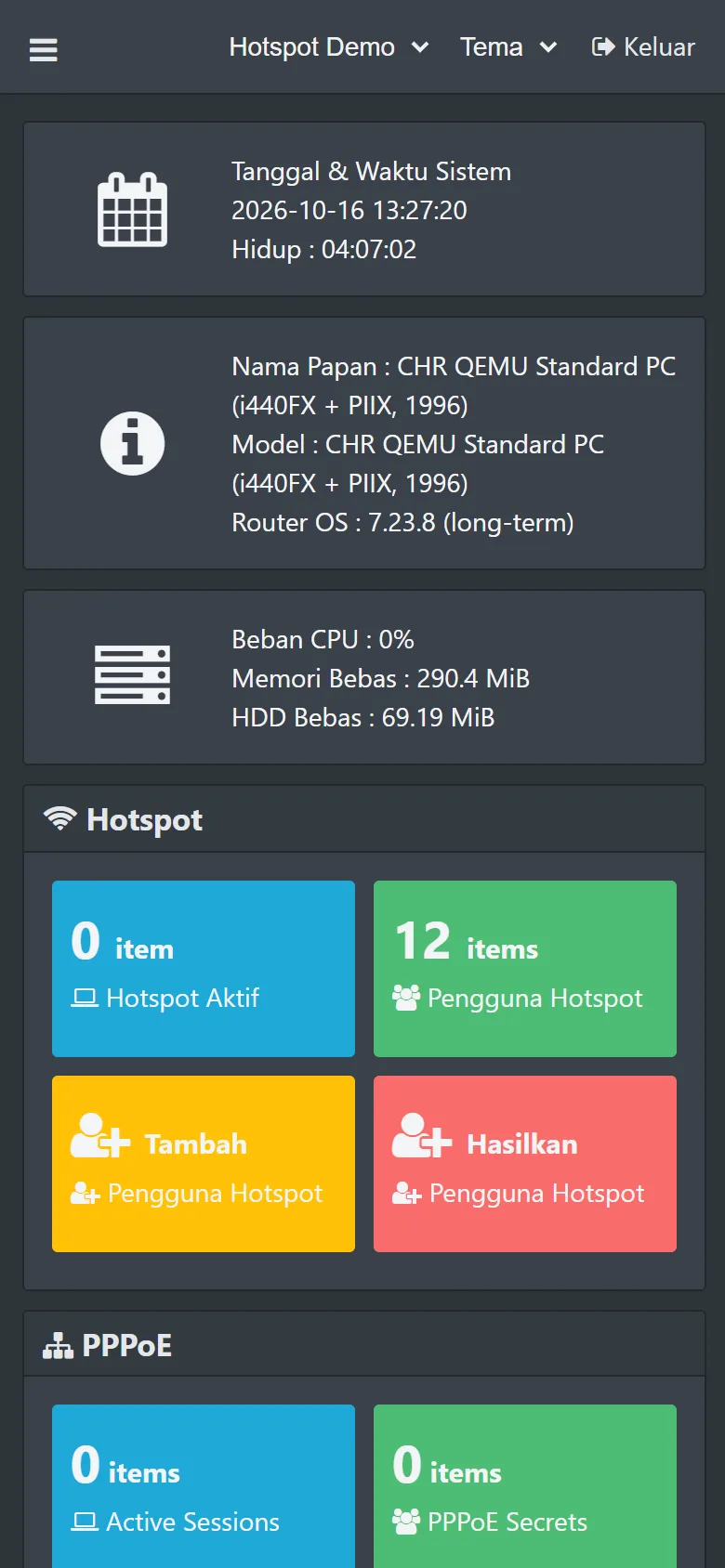
Dashboard
Routers behind NAT or CGNAT
A LAN address such as 192.168.88.1 is usable only by an application with a route to that network. A hosted application does not gain that route merely because the router can access the internet.
VPN remote provides a private route from the server to the router. Obtain the endpoint, credentials or keys, and tunnel addressing from your VPN provider. Follow the supplied protocol rather than copying an unrelated configuration.
RouterOS 6 does not support WireGuard. Use a method supported by both the router and provider. RouterOS 7 supporting WireGuard does not mean every VPN service uses it.
Check the service and permissions first
Run these inspection commands on the router. Plain API normally uses 8728 and API-SSL uses 8729, but ports can be changed. Match the application’s port and protocol.
Set Available From to the approved VPN source before enabling the service. Preserve other management sources you still need. Do not forward the API port from the internet.
The group policy depends on the operations you use. read, write, and api cover basic management; some features also need test or sensitive. Add required permissions after inspecting operation errors, rather than assigning full.
/ip service print detail where name="api"
/user group print detail
/interface printVerify each layer until the dashboard opens
First confirm the VPN is running. Next confirm the server can reach the API address and port through the tunnel. Then check credentials and policies. Finally match the router identity on the dashboard.
A running tunnel alone does not prove API reachability. Input firewall rules, service source restrictions, and the return route also matter. Keep the firewall enabled during diagnosis.