How to Create and Print Vouchers in Mikhmon V3 and Pro V5
Prepare a User Profile, generate a small batch from Hotspot, and verify the created account count before opening its print cards. V3 and Pro V5 use different controls, but both need checks against the package you intend to sell.
Applies to: Mikhmon V3 · Mikhmon Pro
- Category
- Vouchers
- Read time
- 2 min
- Published
- Updated
- Language
- English
Step-by-Step Guidance
- 1Check the router session and package profile, including usage limits, price, and validity rules.
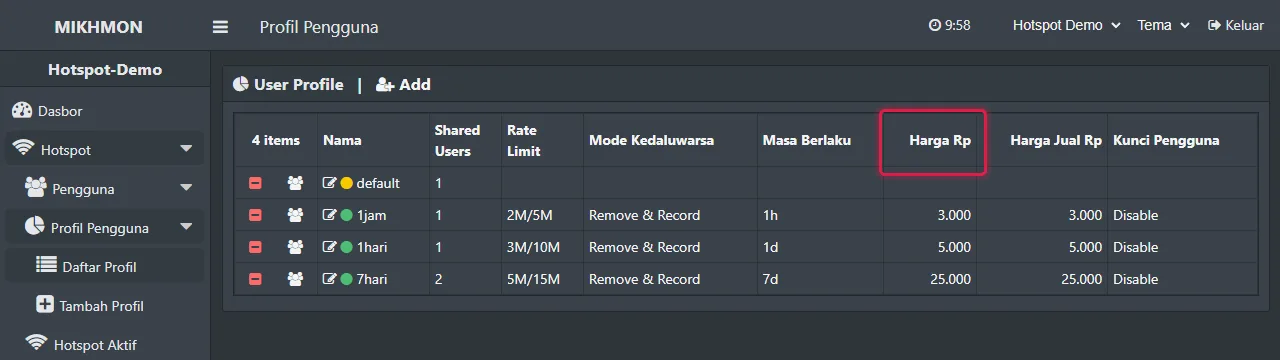
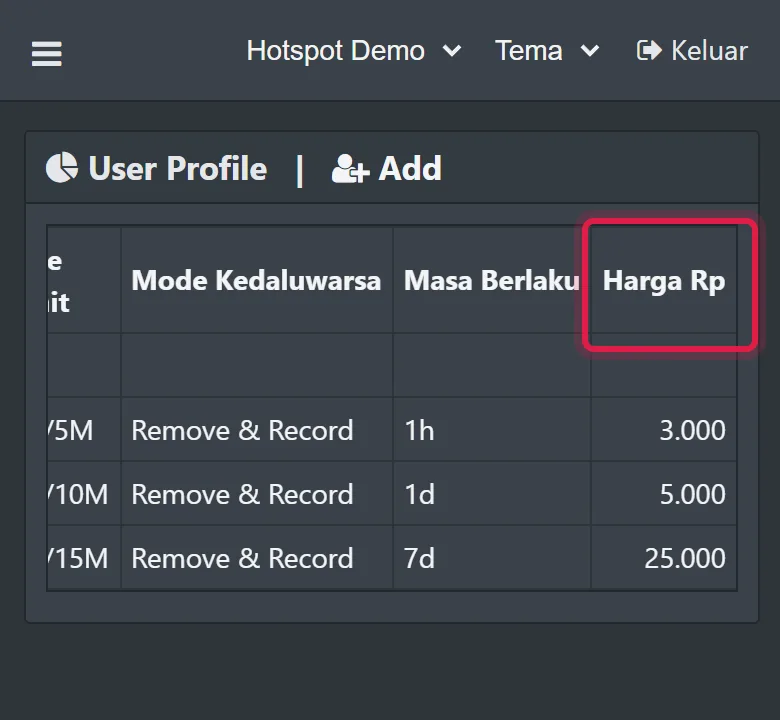
Hotspot > User Profiles - 2In V3, open Hotspot > Users > Generate. Start with three vouchers and the profile you checked.
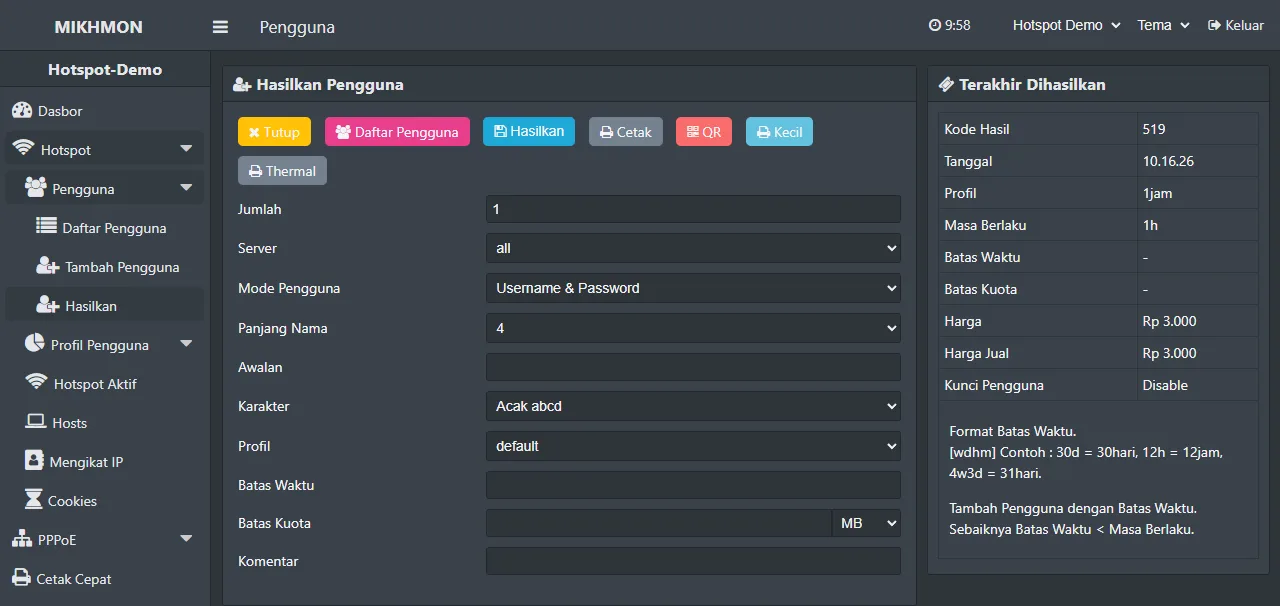
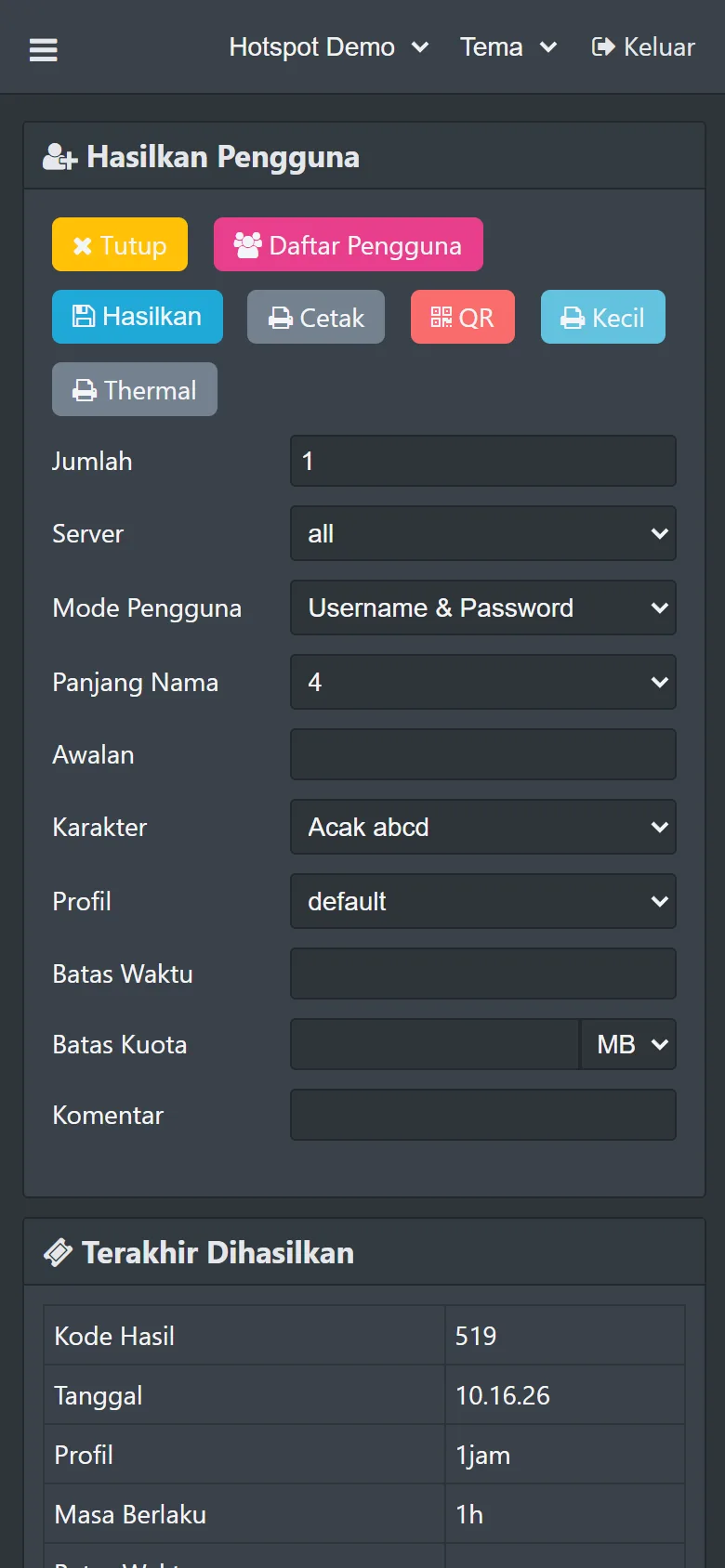
Hotspot > Users > Generate - 3Choose Username = Password or separate credentials, then set a prefix and batch comment.
- 4Match the created count to the request and choose Default, Small, or Thermal printing as appropriate.
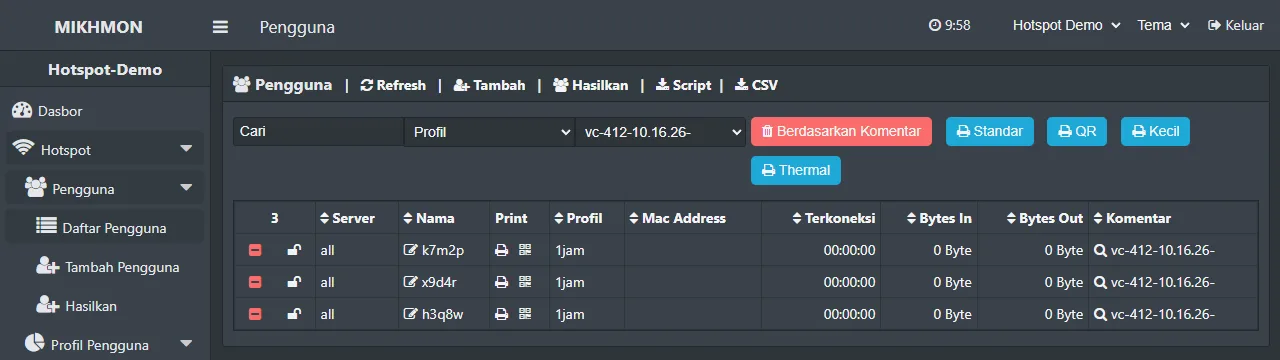
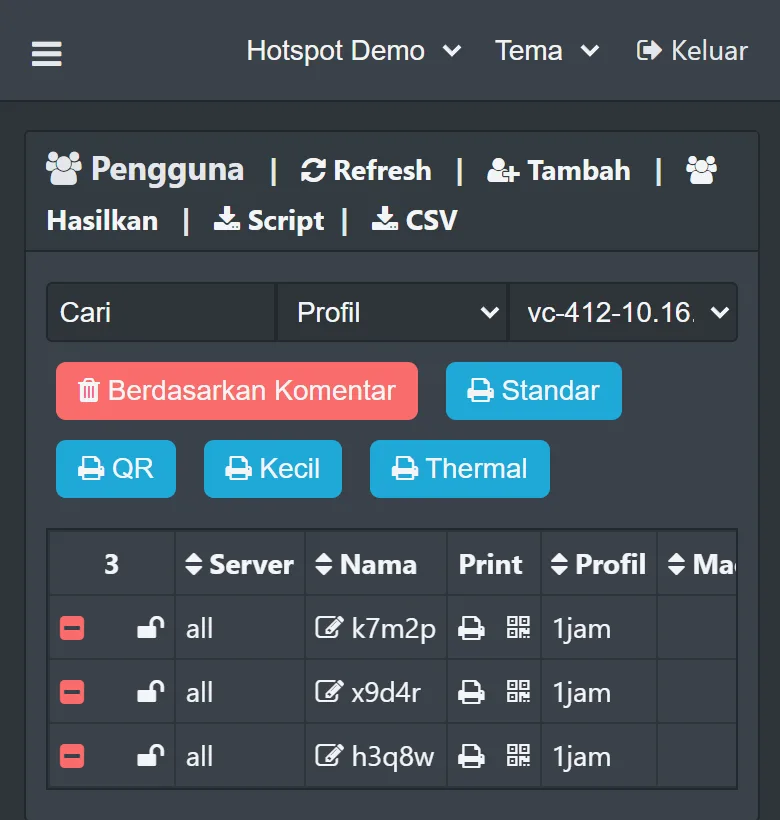
Hotspot > Users filtered by batch 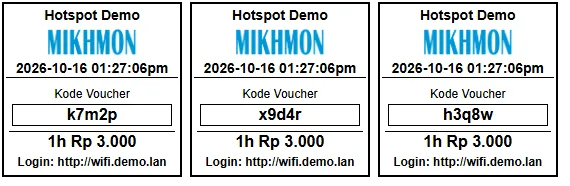
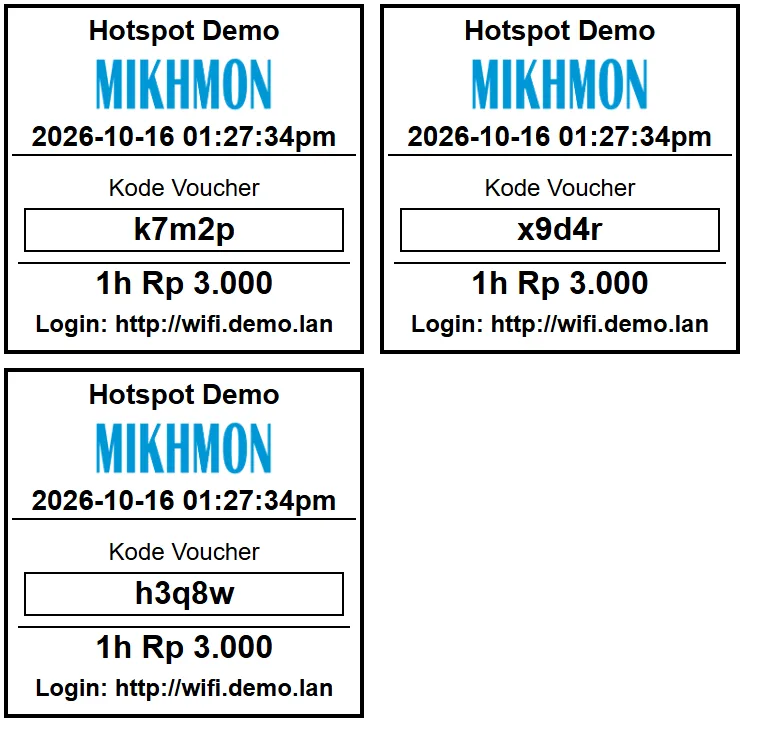
Print vouchers (thermal)
Usage limits and validity are different
A profile named 1hour does not describe all its rules. Time Limit restricts account usage, while expiry depends on the profile and scripts. Try one account before selling a new package.
Check the price and code format as well. A prefix helps identify accounts; the batch comment helps locate a generated group.
Complete the Pro V5 form
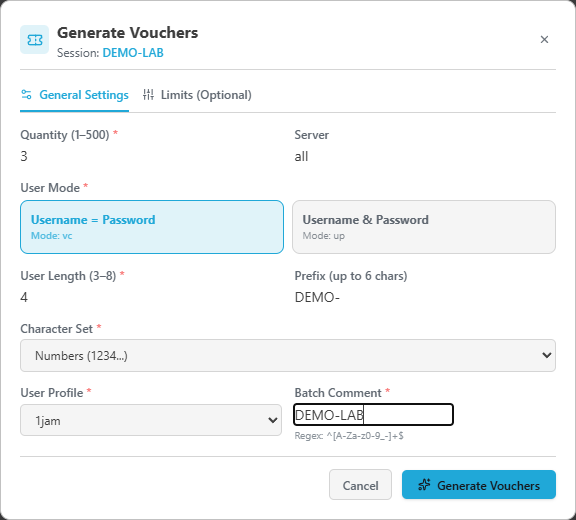
Open Hotspot and choose Generate Vouchers. This example uses Quantity 3, Username = Password, four characters, the DEMO- prefix, Numbers, and User Profile 1jam.
Set a Batch Comment and check the router session, profile, and quantity before generating. Use your own prefix for real sales; DEMO- is only an example.
Check results before retrying
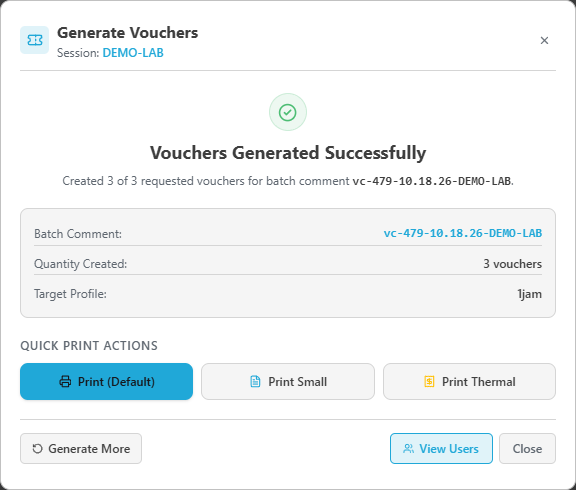
Created 3 of 3 confirms that all requested accounts were made in this example. Record the complete batch comment beginning with vc- to find the resulting group.
If fewer accounts were created, inspect the list and error message before resubmitting. A timeout does not prove that no accounts were created.
Open the cards and print one sheet
Print (Default) opens the new batch’s cards. The demo vouchers shown here are disabled. The image shows a browser print layout, not a physical printer result.
Check paper size, scale, margins, and QR readability on one sheet before increasing volume. Thermal printing needs a matching paper-width profile and a supported print route.

If account creation works but customer login fails
Confirm the account is enabled, targets the intended profile and server, and has remaining time or quota. Opening print cards does not test customer authentication.
/ip hotspot user print detail where name="VOUCHER_NAME"
/ip hotspot active print
/log print where topics~"hotspot"