How to Run Mikhmon Online 24/7 Without a Laptop
Run the application on a server that stays on and connect the router through VPN remote. Your laptop can then be off, but the router, internet connection, and VPN tunnel still need to work.
Applies to: Mikhmon V3 · Mikhmon Pro
- Category
- Setup
- Read time
- 3 min
- Published
- Updated
- Language
- English
Step-by-Step Guidance
- 1Open mikhmon.pro, pick an address such as yourhotspot.mikhmon.pro, and choose Mikhmon V3 or V5.
- 2Choose the service and application version you need. Check current prices, trial terms, and plan limits on the service page before creating an instance.
- 3Sign in to your Mikhmon and add the router with its VPN IP and a RouterOS username and password.
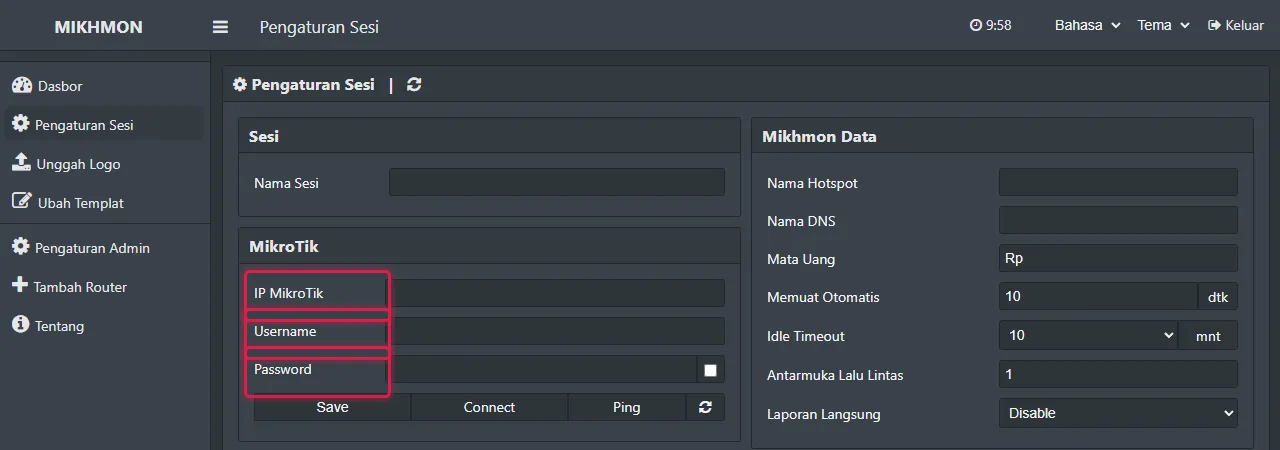
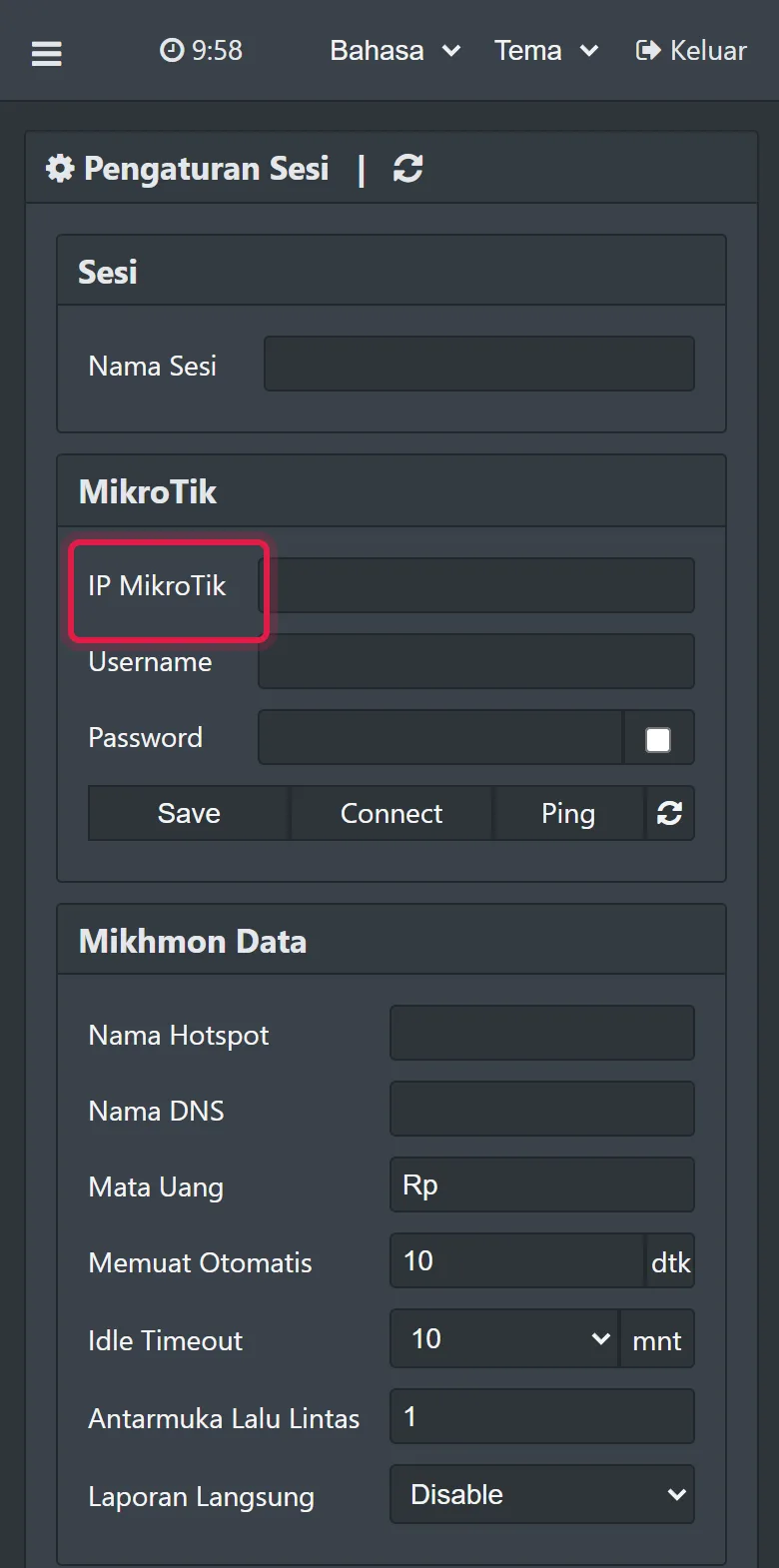
Add router - 4Save the address to your phone's home screen and add your team's Google emails so they can open it too.
Why Mikhmon on a laptop keeps dropping
Mikhmon is a web app. When the laptop sleeps, shuts down, or changes network, its PHP server stops and the cashier can't make vouchers.
Mikhmon on an Android phone has the same problem. The system stops PHP server apps in the background to save battery.
Servers that stay on
You can rent a VPS, install PHP and HTTPS, and keep everything updated. It is flexible, but it takes time every month.
Mikhmon Online runs Mikhmon V3 or V5 on mikhmon.pro servers. Each instance has an HTTPS address; router access still depends on its VPN and API connection.
Reaching your router from anywhere
The Mikhmon server must reach the RouterOS API on the router. A router behind NAT or without a public IP connects over VPN remote, and Mikhmon uses the router's VPN IP as its address.
One paid Mikhmon manages as many routers as you need. The free trial covers 1 router.
Test without the laptop before using it for sales
Open the application on a phone over mobile data rather than the laptop’s Wi-Fi. Check the router dashboard and find an existing account.
Stop the old local server only after the new path works. If the application opens but router data fails, inspect VPN and API connectivity; changing browsers cannot fix a broken tunnel.
Frequently asked questions
How much does Mikhmon Online cost?
Every new Google account gets 30 days free with every feature unlocked. After that it is Rp10,000 a month, Rp59,000 for 6 months, Rp99,000 a year, or Rp179,000 for 2 years, paid with QRIS.
Can I open Mikhmon Online on my phone?
Yes. Mikhmon Online opens in the browser on a phone, tablet, or PC. There is no app to install.
Can my team open my Mikhmon?
Yes. Add up to 20 Google emails to each Mikhmon. They sign in with the Google button, and only the owner manages payments.